ChatGPT is the most popular AI platform currently available. Designed to assist any type of user across a broad range of tasks, the Windows app brings conversational AI directly to the desktop, offering high speed, accessibility, and a focused experience. It acts as an assistant capable of answering questions, generating content, helping with code, summarizing documents, and brainstorming.
It honestly does not matter what type of user you are. Whether you are a student, a software engineer, a doctor, or a casual user, ChatGPT for Windows provides a convenient way to access advanced AI features right from the desktop, bypassing the need for a web browser.
Clean and intuitive desktop interface
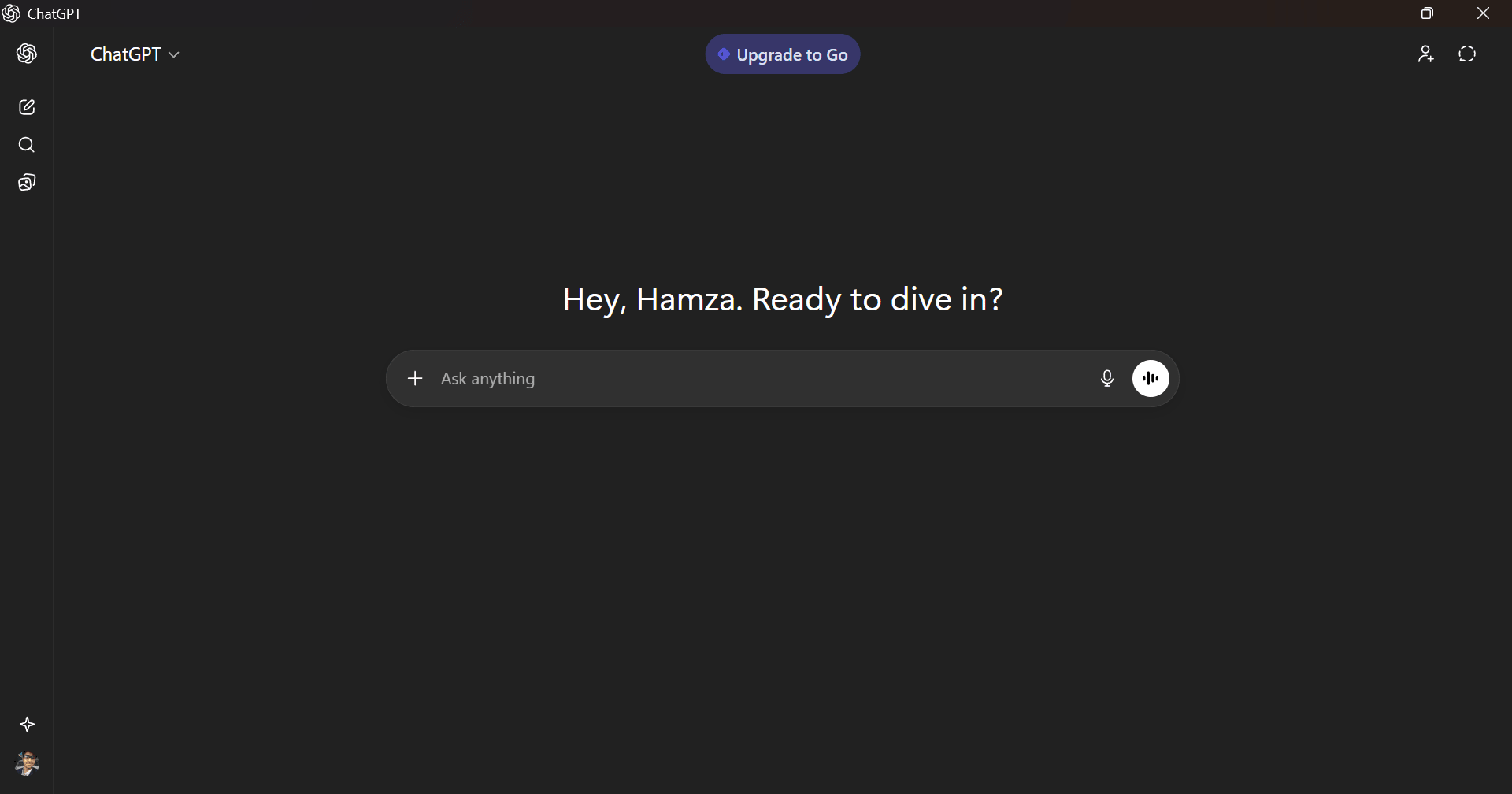
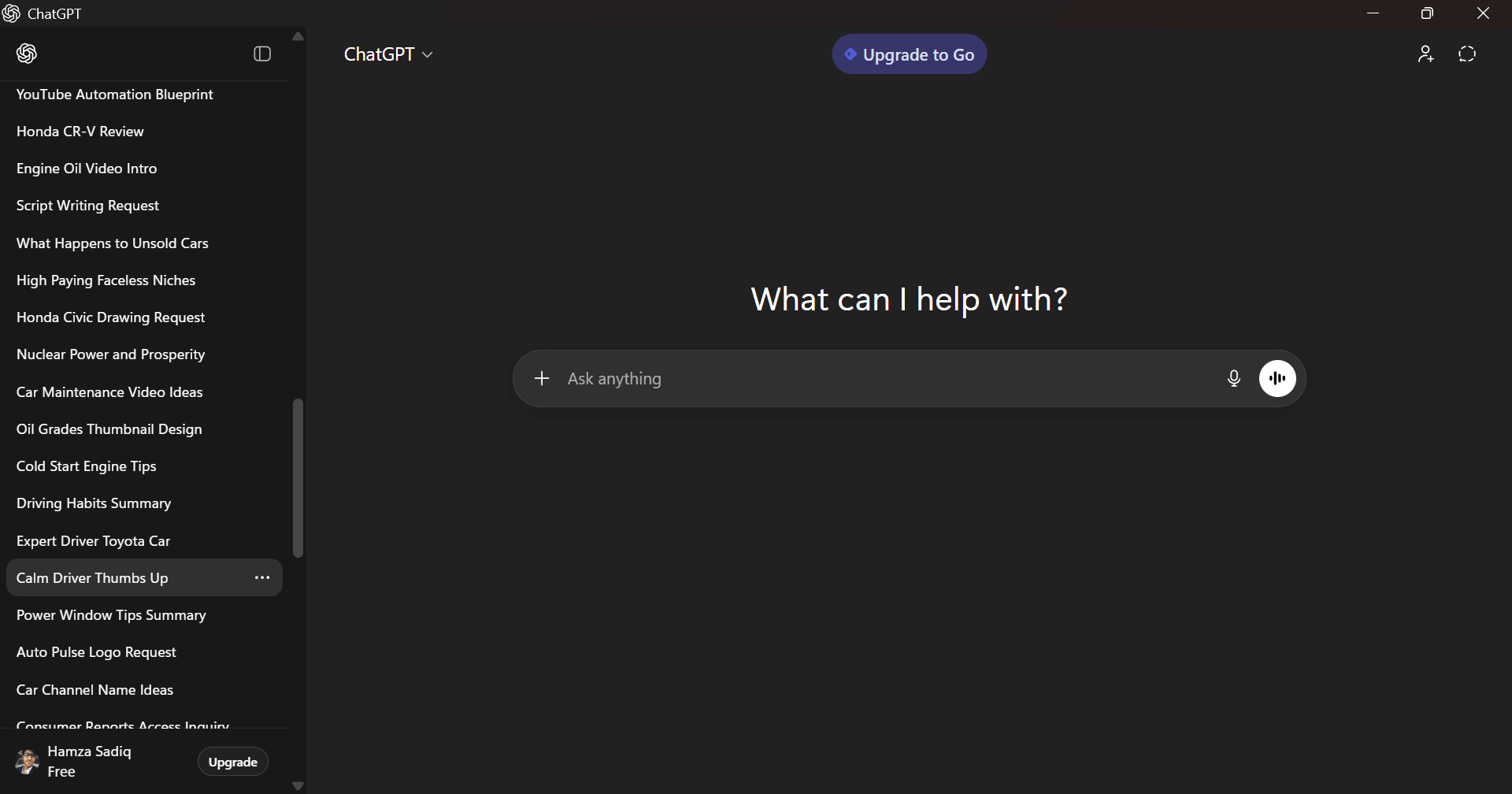
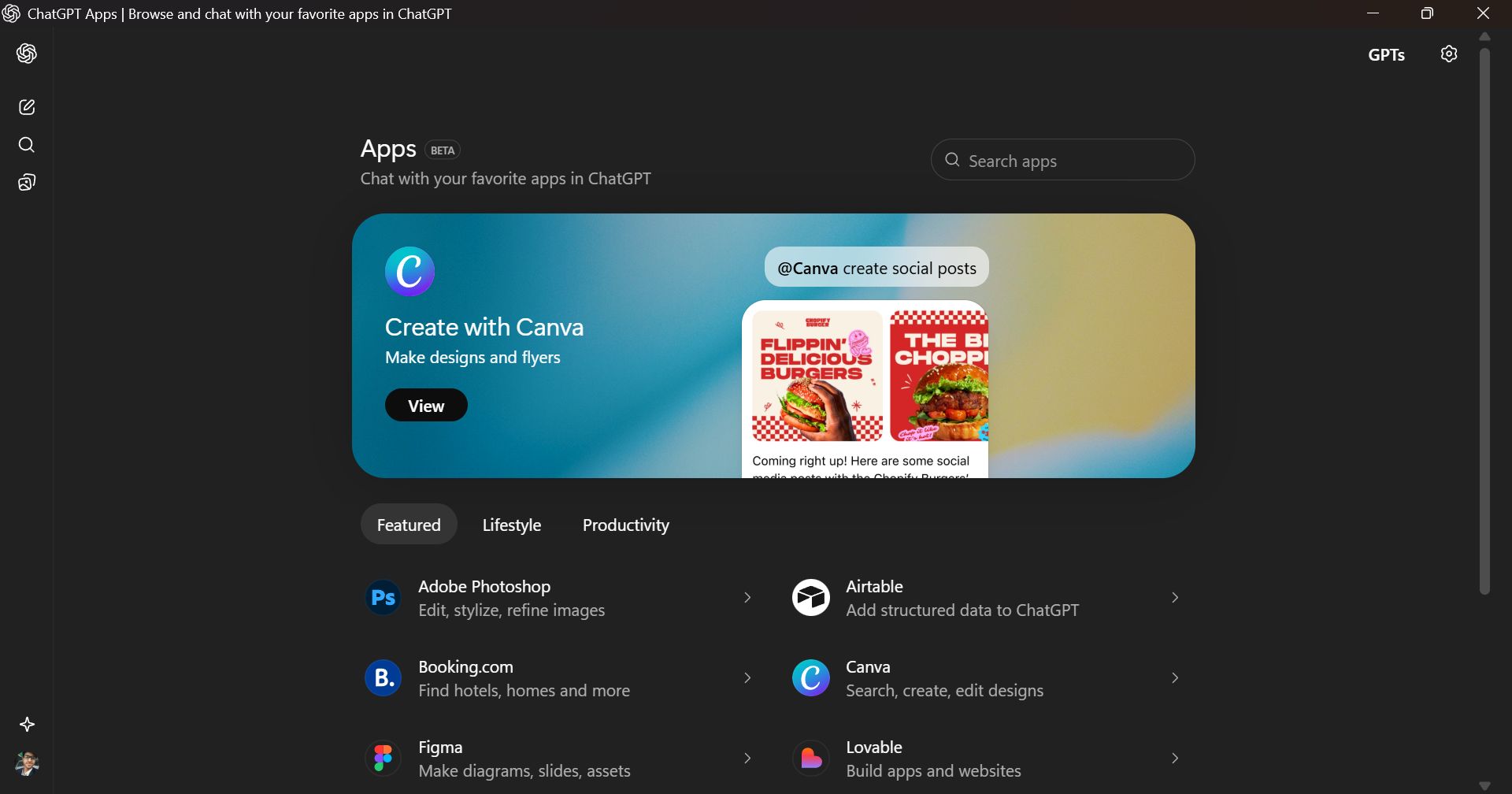
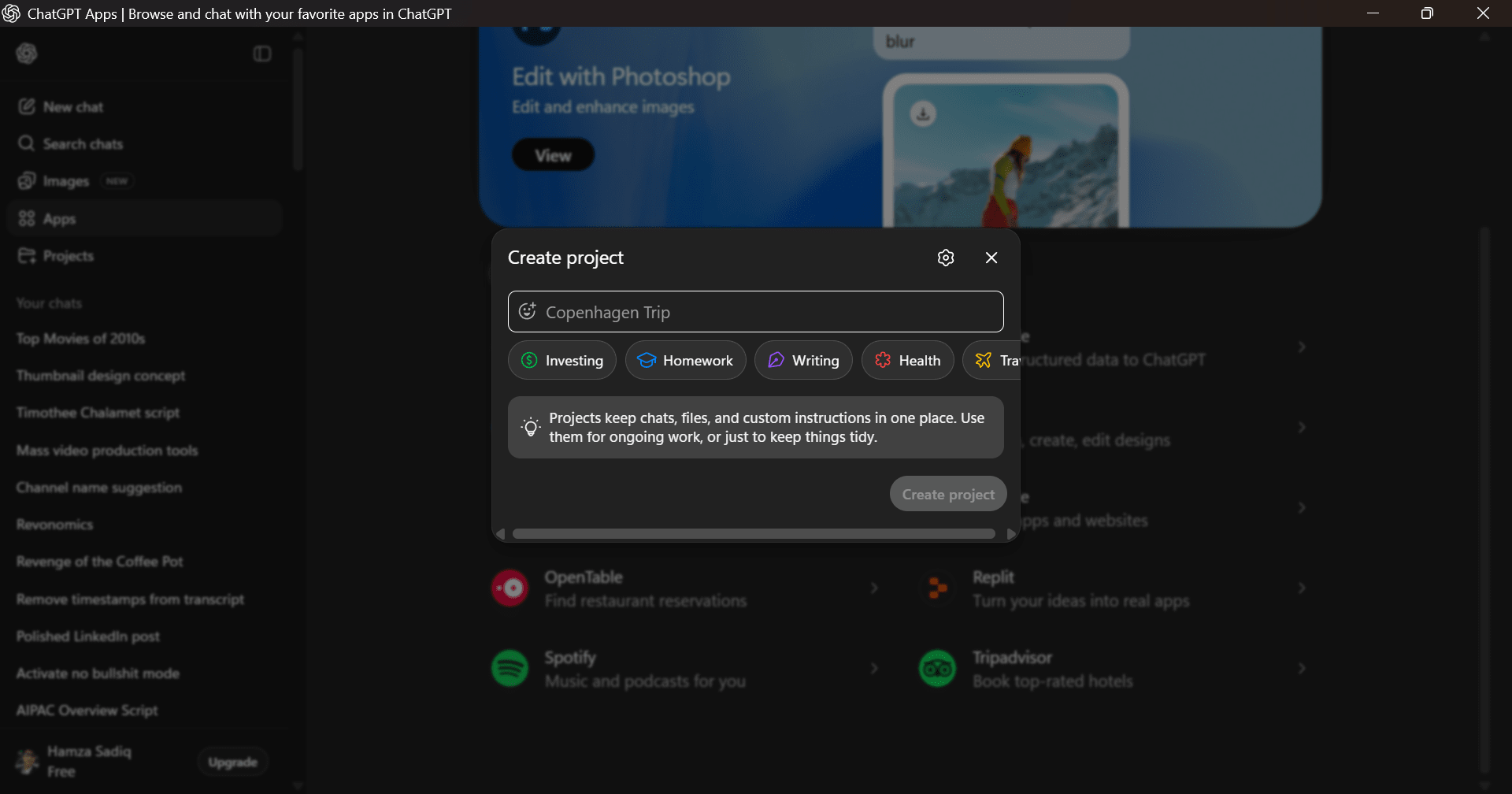
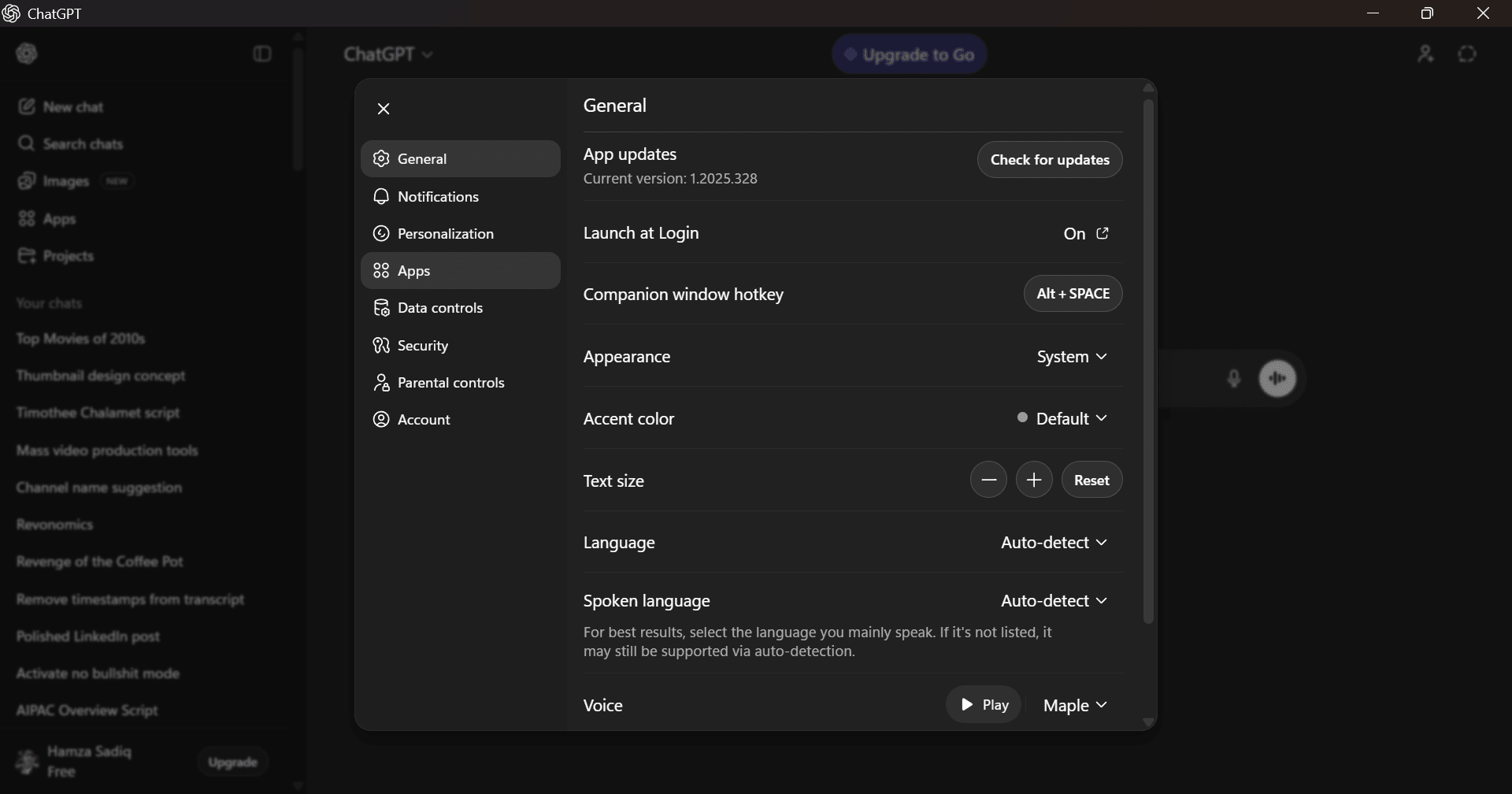
If you want a familiar yet streamlined desktop app, this one is perfect for you. Featuring a minimal interface that prioritizes focus and usability, it offers a neat experience. Conversations remain easy to navigate, with search and chat history readily available and neatly organized. You can also adjust settings with just a few clicks.
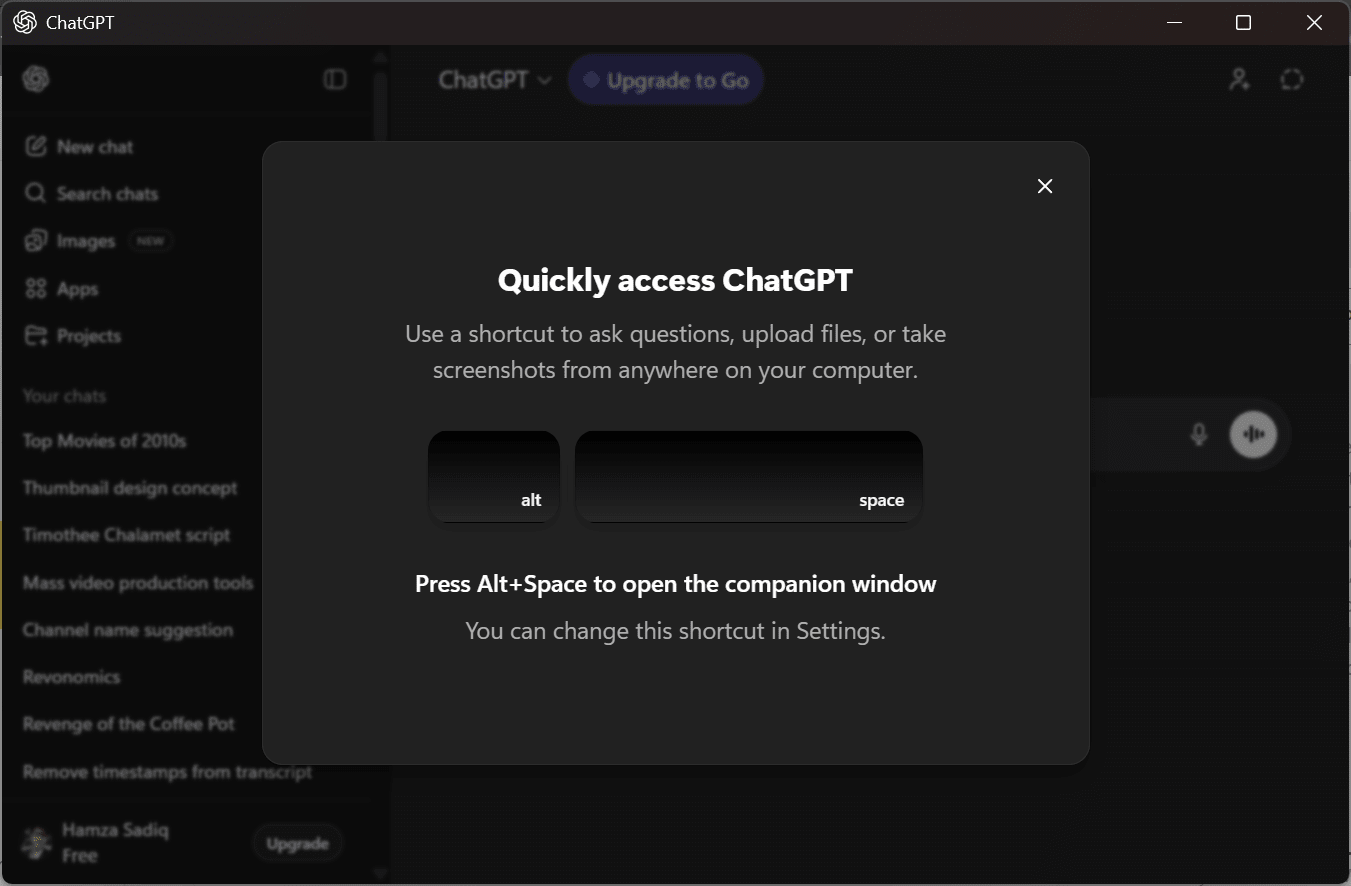
Keyboard shortcuts, such as Alt + Space to open the Companion Window, combine with native Windows integration to make interactions faster than browser-based usage. The app stays responsive even during long conversations, and switching between tasks feels fluid, making it well-suited for extended work sessions.AI-powered assistance across multiple domains
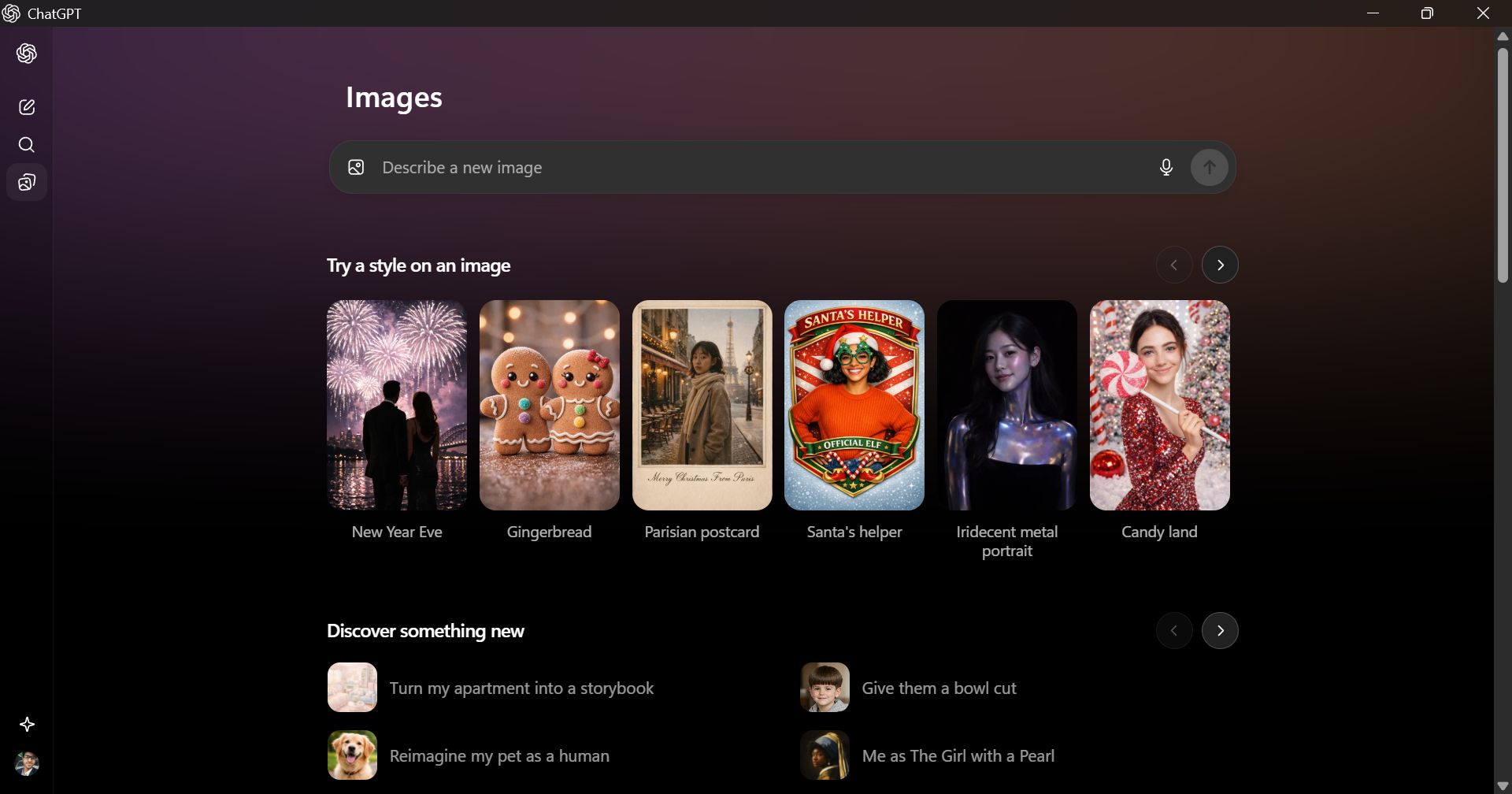
The real strength of ChatGPT lies in its versatility. It can help you write emails, articles, scripts, reports, and code. Not only that, but it can also help you understand complex technical concepts, assist with studying, and provide creative support.
One of the most common use cases involves developers relying on the Windows app as a coding assistant. It provides code suggestions and explanations while helping you optimize, review, or migrate an entire codebase.
The second most common case is for students to use ChatGPT for explanations, solutions, and structured learning. Students can benefit from it significantly if used responsibly.Context awareness and customization
Probably the most valuable quality of ChatGPT for Windows is its ability to maintain context across conversations. This lets it remember details you would expect it to keep in mind for future answers. For example, you can tell it your pet's name, and it will understand who you are discussing whenever you bring them up.
This allows for more natural, continuous interactions without repeatedly restating information. You can refine responses, ask follow-up questions, or shift the direction of a task while staying within the same thread.
The Windows app also supports custom instructions and personalization, helping you adapt responses to different tones, formats, or use cases. This is especially useful for professional and creative workflows.Price
ChatGPT is a free AI assistant, but it offers paid tiers for enhanced capabilities. These include the entry-level ChatGPT Go, ChatGPT Plus for individuals, and the high-performance ChatGPT Pro for heavy workloads. These tiers unlock access to more advanced models like the GPT-5.5 series, faster responses, and additional tools for complex reasoning or data analysis.
Pricing and features may vary depending on region, subscription tier, and ongoing updates.A versatile AI assistant for Windows users
ChatGPT for Windows is an excellent desktop alternative to the web version. It is a powerful, flexible, and easy-to-use application that fits easily into a wide range of workflows. It delivers meaningful value for beginners while offering depth and efficiency for experienced users. While advanced features are reserved for paid plans, the free version is more than sufficient to understand its capabilities before committing.