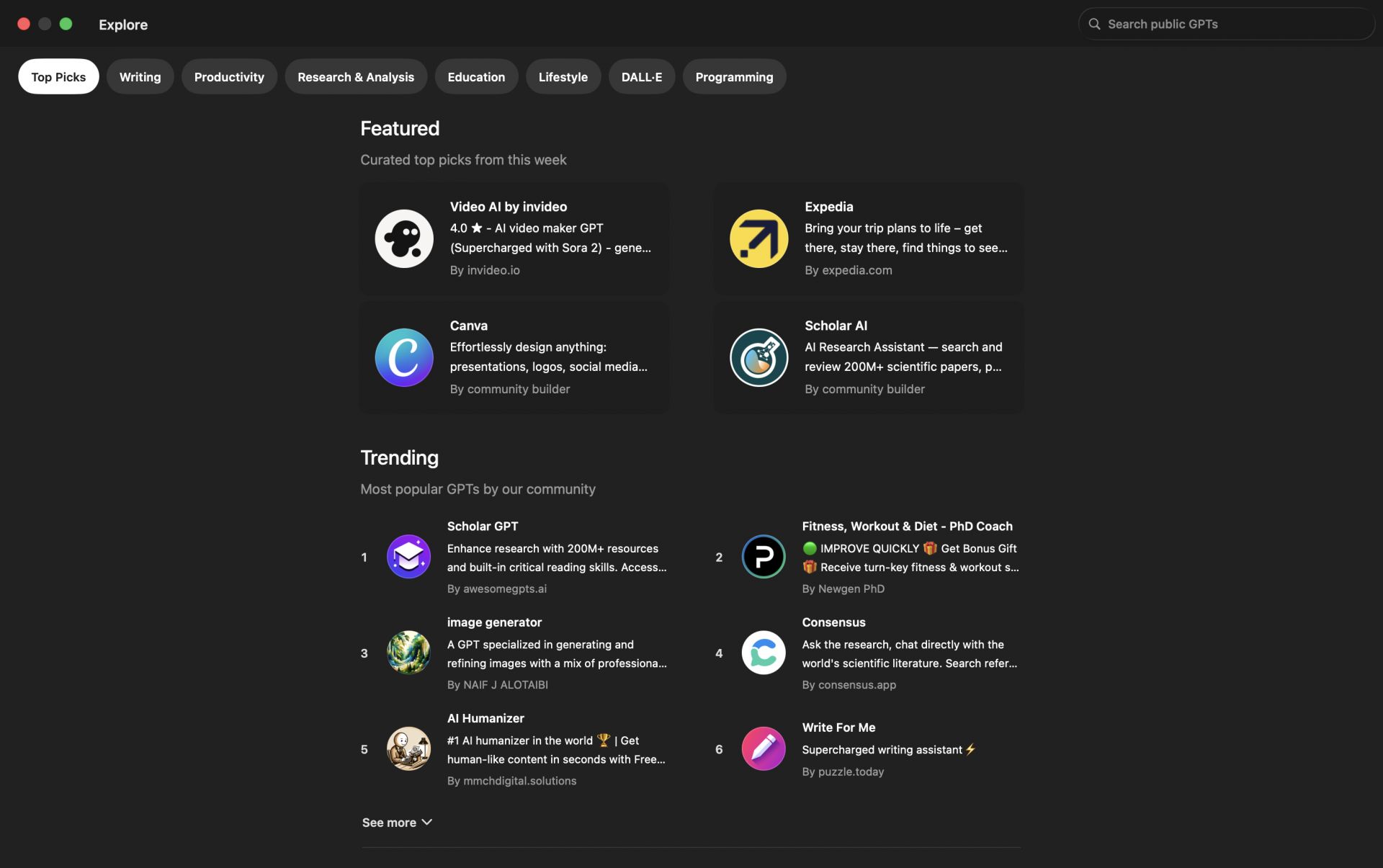
When it comes to the current generation of AI tools, ChatGPT is at the top. Built by OpenAI, ChatGPT will turn your Mac into a powerful productivity hub, however you want to use it. Whether you want to increase your productivity as a product manager (PM) by having it write your emails, generate code, or help you learn something new, this app helps you do it all.
ChatGPT for Mac combines speed, context awareness, and multi-domain intelligence to assist users with practically any kind of task. It gives you quick or highly detailed responses, depending on the model you use. While it is always smart to double-check the information it provides, the output is generally accurate and reliable. There are still cases, especially regarding real-time knowledge, where it could use some improvement.
Native integration and desktop convenience
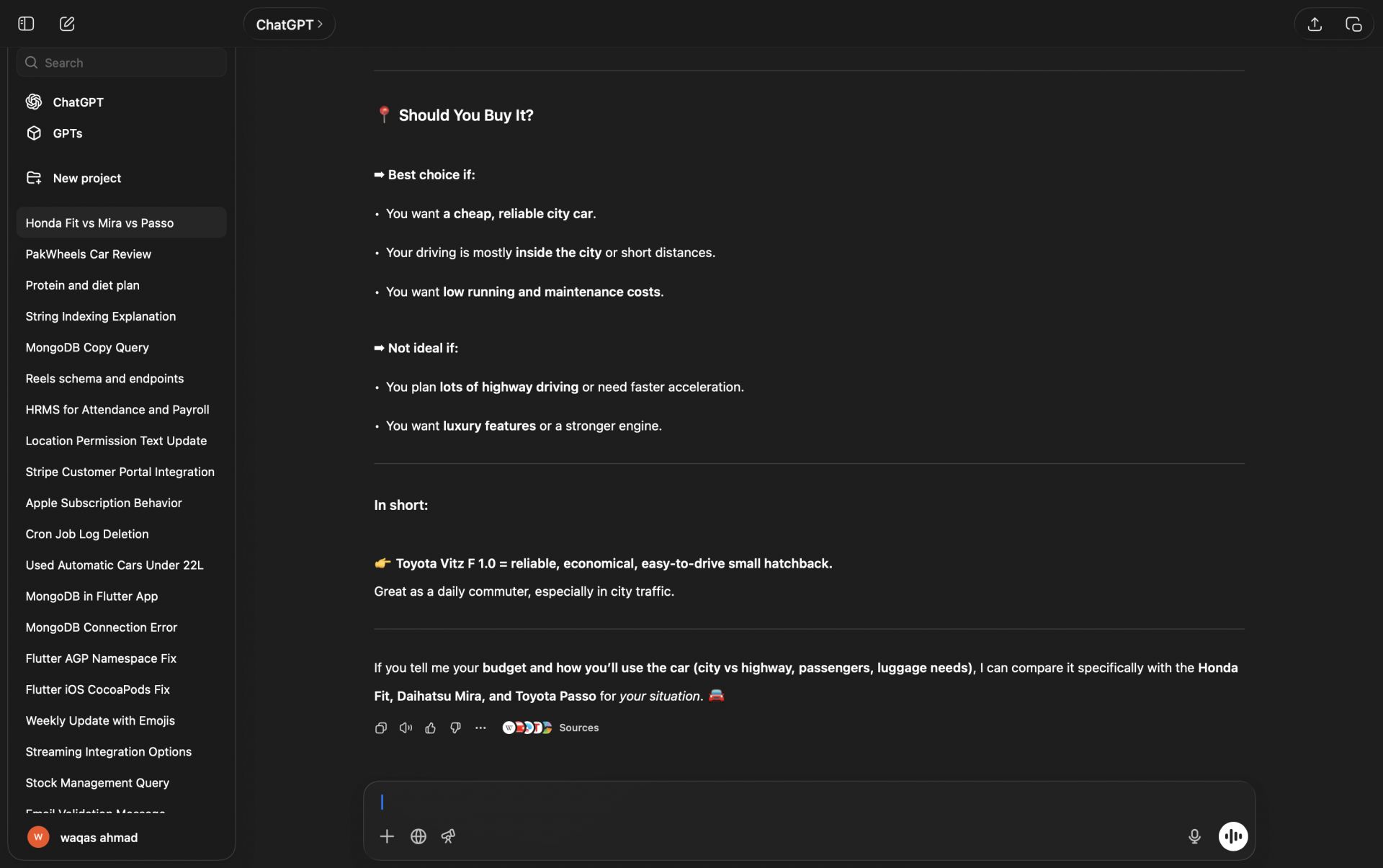
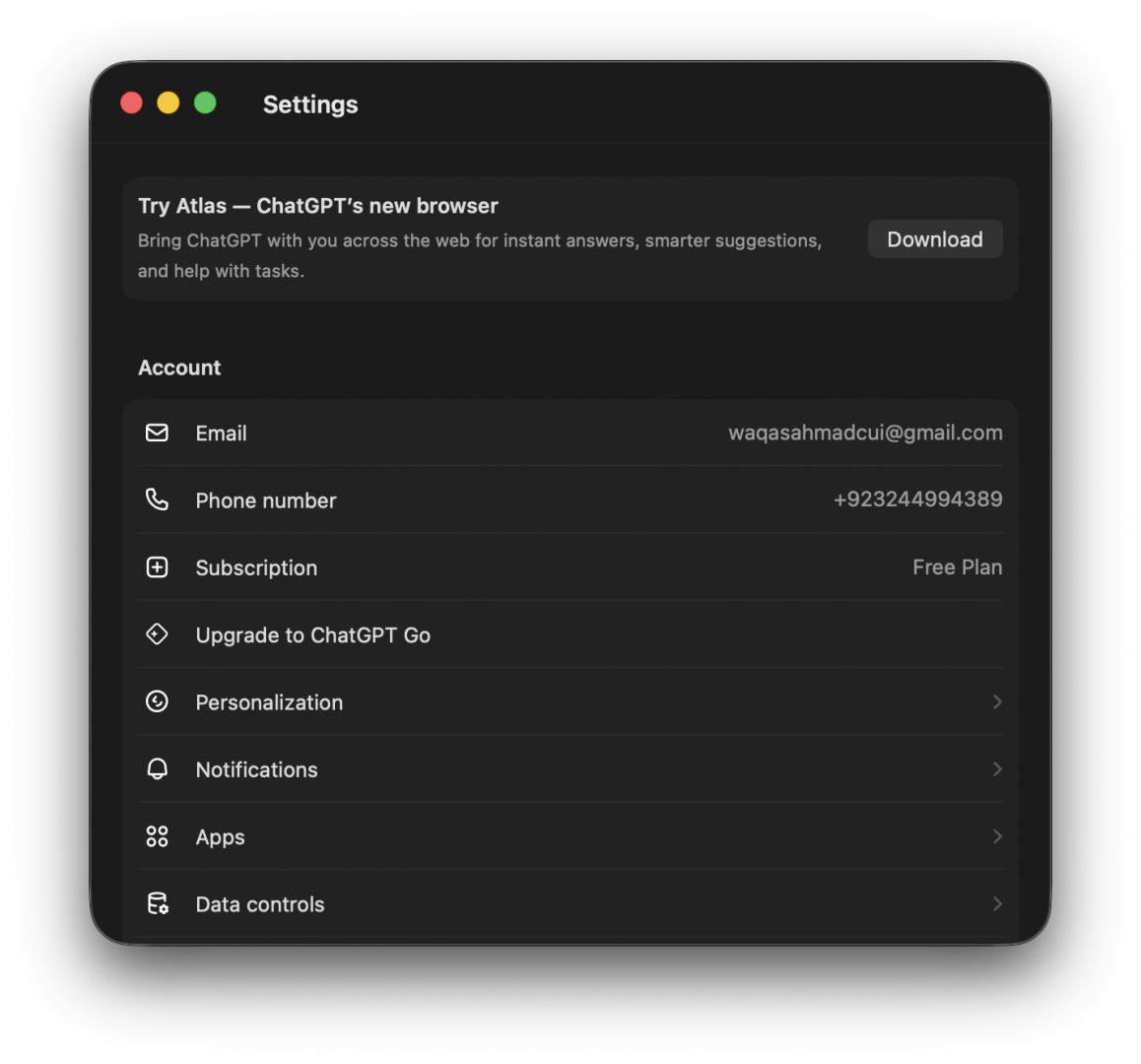
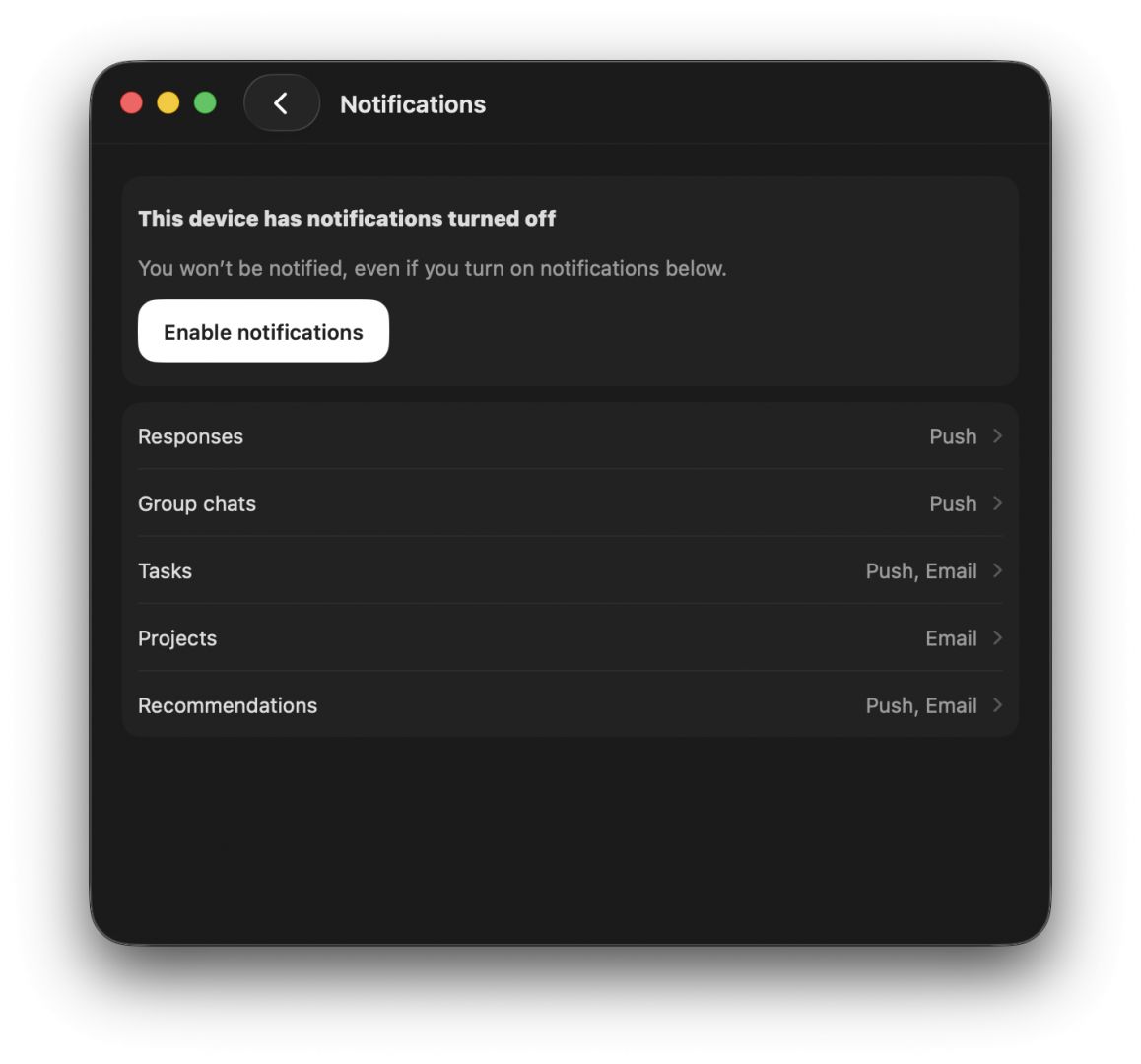
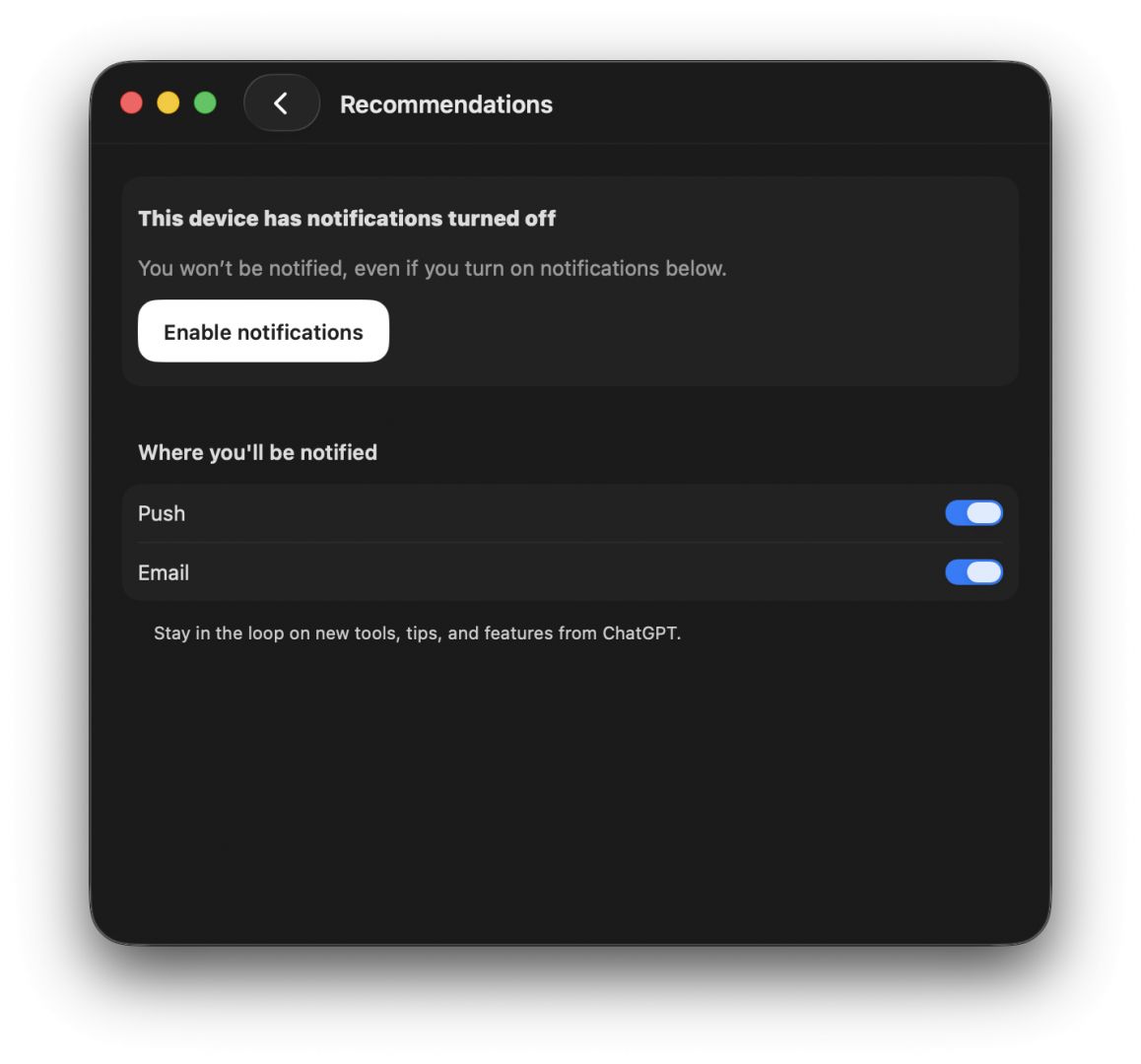
The Mac app for ChatGPT offers native desktop conveniences that make it much better than just keeping a browser tab open. While the web version works fine, the native app takes the experience a step further. You get a dedicated menu bar icon, dock presence, and the Option + Space keyboard shortcut, which allows you to summon a quick launcher from anywhere on your screen. You can also adjust your settings and preferences directly within the app. Your chat history syncs automatically, meaning you can start a session on your Mac and pick it up on any other device.
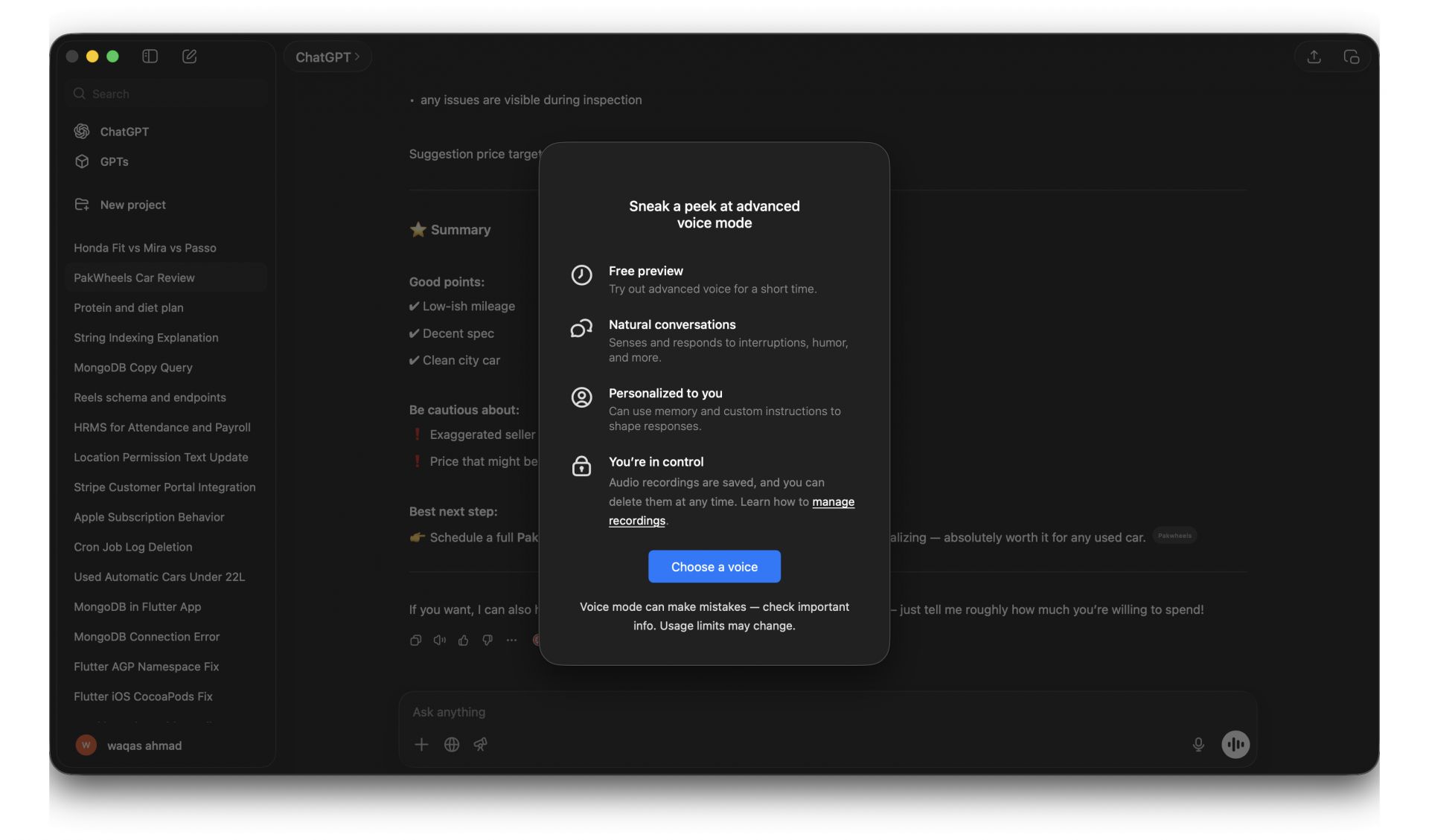
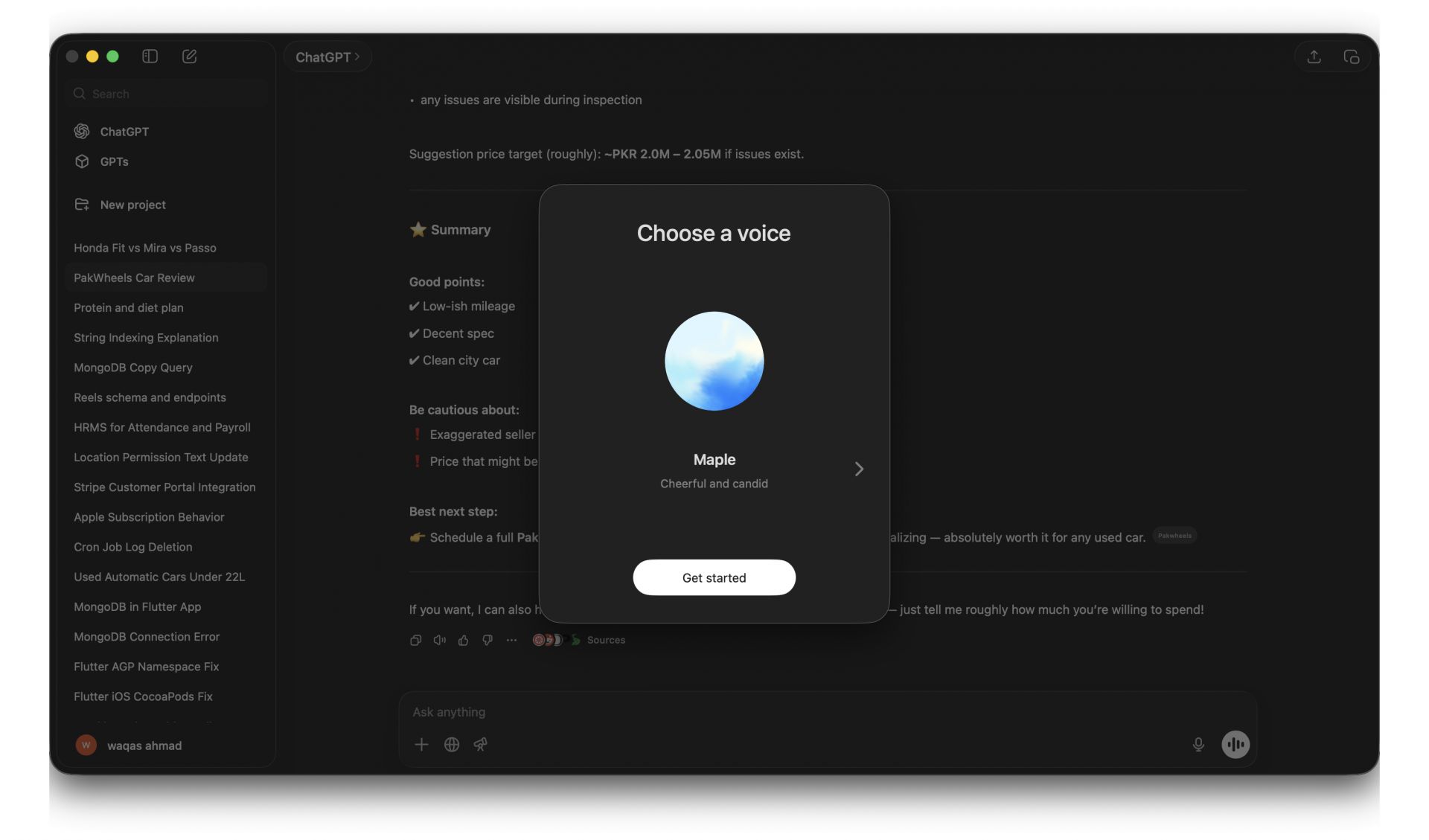
The user interface is minimal and efficient. Similar to the web layout, you get a left sidebar for history, a central chat window, a toggle for temporary chats, and responsive message rendering. You can communicate using text and voice dictation, though note that the native hands-free conversational Voice mode was discontinued in the Mac app and transitioned to web and mobile platforms.
Stability and system requirements
Despite its many strengths, the ChatGPT Mac app has run into occasional stability hiccups on older versions of macOS. Speaking of older software, there is a hard system requirement: the app will not run on anything below macOS 14 Sonoma. Fortunately, OpenAI has expanded hardware compatibility, so the app now officially supports both Apple Silicon (M1 or newer) and older Intel Macs.
These technical limits do not hold back the core features for supported users.
Capabilities across domains
ChatGPT has limitless use cases, but here are a few of the most popular:
- Writing & editing: Generate drafts, rewrite for clarity or tone, and create outlines
- Coding help: Explain code, offer debugging tips, and generate snippets in multiple languages
- Learning support: Break down complex concepts into digestible explanations
- Creative projects: Storytelling, character creation, poems, scripts, and brainstorming
- Productivity: Summarize documents, craft professional emails, and plan tasks
Price
ChatGPT is completely free to use, but you can subscribe to Go, Plus, or Pro plans if you want to unlock access to the latest models (like GPT-5.6), advanced data analytics, or higher image generation limits.
Powerful AI assistant for Mac
ChatGPT for Mac is a highly capable and versatile AI assistant. Even with occasional stability hiccups and strict macOS requirements, there is nothing to take away from the fact that it is one of the most useful tools of the modern era.